No More Guesswork: Introducing The Progress Tracking Feature in the ChromeOS Readiness Tool
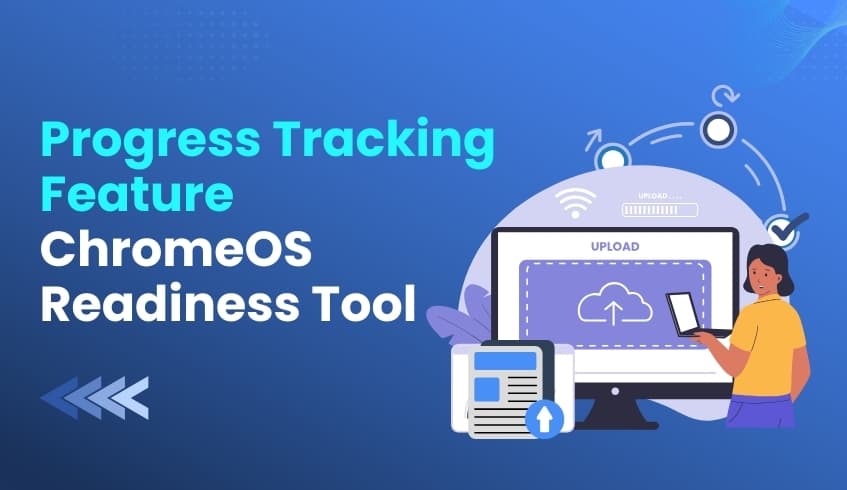
In fast-paced enterprise migration projects, visibility is everything. Today, we’re introducing a major upgrade to the ChromeOS Readiness Tool Report Generator: the new Progress Tracking feature. This enhancement gives administrators live, centralized insights into upload activity across their environment, helping teams work with the most accurate, complete data during migration planning.
A Clear Window Into Data Upload Activity
As the ChromeOS Readiness Tool collects device insights and application usage logs, this information is temporarily stored on user machines before being securely uploaded to a designated storage location.
The new Progress Tracking feature enables real-time monitoring of whether device data files are being successfully uploaded to the designated storage locations, either a network shared folder or Google Cloud Storage (GCP).
With this visibility, teams can quickly spot issues, avoid incomplete data sets, and keep report generation running smoothly.
Monitoring the Three Essential Files
Progress Tracking focuses on the upload status of three critical files on each device:
Symmetric Key File
Device Insight Data Log
Common Statistic Log
These files form the backbone of ChromeOS readiness reporting, and the new feature makes it easy to confirm they are successfully delivered.
Simple Statuses for Fast Decision-Making
Each device is now assigned one of three straightforward statuses:
Success – All three files have been successfully uploaded within the defined time period.
Pending – The upload process for one or more of the files is still ongoing.
Failed – After the Symmetric Key file is uploaded, if either the Device Insight Data Log or the Common Statistic Log is not uploaded within the next two days, the status is marked as Failed.
This clear classification system helps IT teams act quickly and maintain data completeness throughout the collection phase.
Built for Global Teams
The Progress Tracking feature is fully available in English and Japanese, aligning with the ChromeOS Readiness Tool’s expanded Full Japanese language support across its components. This makes it easier for global organizations, especially teams operating in Japan, to manage their ChromeOS migration confidently.
The new Real-Time Progress Tracking capability turns what was once a blind spot into a transparent, actionable workflow. With immediate clarity on which devices have successfully submitted their readiness data and which need intervention, IT teams can maintain momentum and build toward a smoother, more predictable ChromeOS transition.