Before You Move to Google Workspace, Know What Your Users Depend On
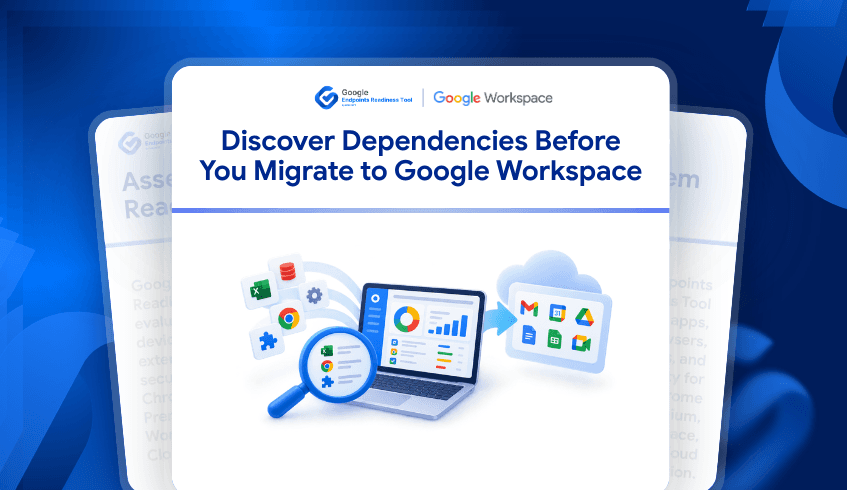
A Google Workspace migration is more than moving email, calendars, and files. The bigger challenge is understanding how employees work today and which applications, spreadsheets, browser extensions, and workflows they depend on every day. When those dependencies are discovered late, migration teams may need to change rollout plans, investigate applications, or prepare specific user groups at the last minute. That is why understanding the existing endpoint environment should be part of Workspace migration planning from the beginning.
The Google Endpoints Readiness Tool helps IT teams build that visibility across their environment. By examining application and usage information across users and devices, teams can identify areas that may require additional assessment before migration. This makes it possible to plan around actual usage rather than assuming every employee has the same requirements. For large organizations, that difference can significantly influence how migration waves are structured.
What Happens When Business Dependencies Are Hidden?
Real migration projects show why application and workflow discovery matters. For example, Veolia Australia and New Zealand assessed applications as part of its Google Workspace transformation, including server-based business applications, applications developed by users, and applications installed on user devices. The user-developed applications included macros embedded in products or databases, and the project involved assessing, redesigning and testing those applications.
This is a practical example of why an application inventory alone is not enough. A department may appear to use a standard spreadsheet or application, while behind it sits an automated workflow that supports reporting, calculations, approvals, or other business processes. If that dependency is not identified before migration, the technical team may only discover its importance when users are preparing to move. Readiness information gives migration teams an opportunity to investigate those dependencies while there is still time to plan.
Macro Usage Can Change the Migration Conversation
Spreadsheet macros are a particularly useful example because they can represent business logic hidden inside everyday documents. In one documented Google Workspace migration case, the migration team reviewed internal documents and found that no complex Excel macros were being used, which allowed the organization to move more easily toward Google Sheets. The case also recommended auditing spreadsheets beforehand because organizations with more complex macro dependencies may need a different migration approach.
For an IT team preparing a larger environment, the important question is therefore not simply whether spreadsheets exist. The question is where macro-related dependencies exist and which users or business functions rely on them. Those findings can then lead to a closer review of the affected workflows and help determine whether they can transition directly, require modification, or need additional planning. Identifying the dependency early is valuable because it gives the business more time to decide what should happen next.
A Finance Team and an Operations Team May Need Different Plans
Consider a company preparing to migrate 2,000 employees to Google Workspace. Most users may primarily work with email, documents, meetings, and browser-based applications, while a smaller finance group may depend on complex spreadsheet workflows. Another operations team may rely on a specialized desktop application, and a sales team may depend on particular browser extensions.
A single migration plan could easily overlook those differences.
With endpoint and application readiness information, IT teams can investigate:
Application usage across users and devices
Macro-usage presence that may require further review
Browser and extension usage supporting daily workflows
Department-specific applications that may need compatibility assessment
Users and devices associated with particular dependencies
This allows migration teams to organize preparation around real usage patterns. Instead of treating the entire organization as one migration group, teams can identify where additional assessment is needed before each migration phase.
Prepare the Environment Before You Move the Users
Google Workspace migrations can involve thousands of users, multiple departments, and very different business workflows. Google documents phased migration as a way to manage users and data according to factors such as organization size, complexity, and migration requirements. Real customer examples also demonstrate the scale of these projects, including Turner Industries' migration of 4,800 employees, where comprehensive planning and change management were used to support the transition.
The Google Endpoints Readiness Tool adds another layer of visibility before those migration waves begin. By understanding application usage, macro-related dependencies, browser activity, and user or device context, IT teams can identify where additional preparation may be required. That means migration planning can be based on the environment employees actually use rather than assumptions about how they work.
Before you move users to Google Workspace, understand what they depend on today.
FAQ
Why should macro usage be checked before a Workspace migration?
Macros can contain business logic that supports important workflows, reporting, and automation. Identifying macro-related dependencies early gives IT teams time to investigate those workflows and determine the appropriate migration approach. Through the assessment, users can see whether macros have been used or not.
Does every user need the same migration plan?
No. Different departments can have very different application and workflow dependencies. Readiness information can help teams identify those differences and use them when organizing migration phases.
What should teams assess besides email and files?
Application usage, macro-related workflows, browser activity, extensions, and department-specific applications can all provide useful context. These areas can reveal dependencies that may not be visible from a basic data migration inventory.