Application Activity
See which apps are actively used, not just installed, and which ones teams can’t work without.
GRTBeyond Asset Inventory
Your IT inventory shows what’s installed. Google Endpoints Readiness Tool (GRT) reveals what’s actually used, identifies security risks, and uncovers migration dependencies your inventory may miss.
Access Google Endpoints Readiness Tool SetupAlready using ITAM, SAM, or CMDB tools? Keep them. GRT complements your existing systems with deeper usage, security, and Google migration-readiness insights.
 What GRT Adds
Capabilities of existing ITAM, SAM, and CMDB products vary by vendor and configuration.
GRT collects the usage and security data that turns a device list into a migration plan.
See which apps are actively used, not just installed, and which ones teams can’t work without.
Know which web apps your people rely on every day.
Spot risky extensions and unsafe domain access early.
Find the Office apps and macros that could block your Workspace move.
Uncover AI tools and repeat workflows ready for governance and automation.
Go beyond asset inventory. See where your organization is ready, what’s holding it back, and what needs attention before your next Google deployment.
Understand which devices and applications are ready for migration, require verification, or have compatibility blockers.
Identify application, peripheral, and Workspace dependencies that could affect your migration strategy.
Review browser security signals and AI usage patterns to inform Chrome Enterprise Premium and Gemini adoption planning.
GRT turns raw endpoint data into findings you can act on.

Check device and peripheral compatibility, and clear migration blockers.
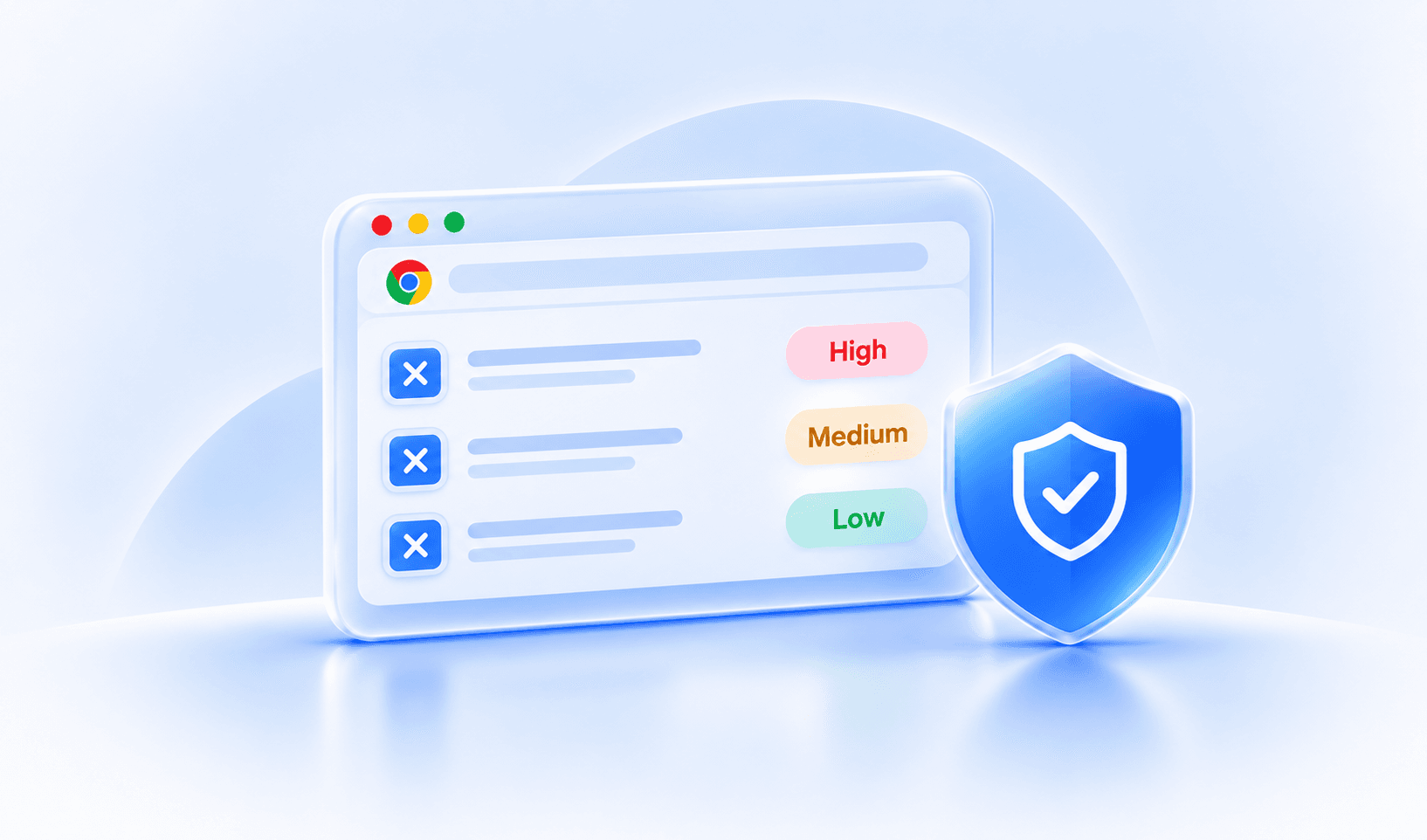
Gauge extension and domain risk, and your Chrome Enterprise Premium readiness.

Map web app usage across your whole fleet.
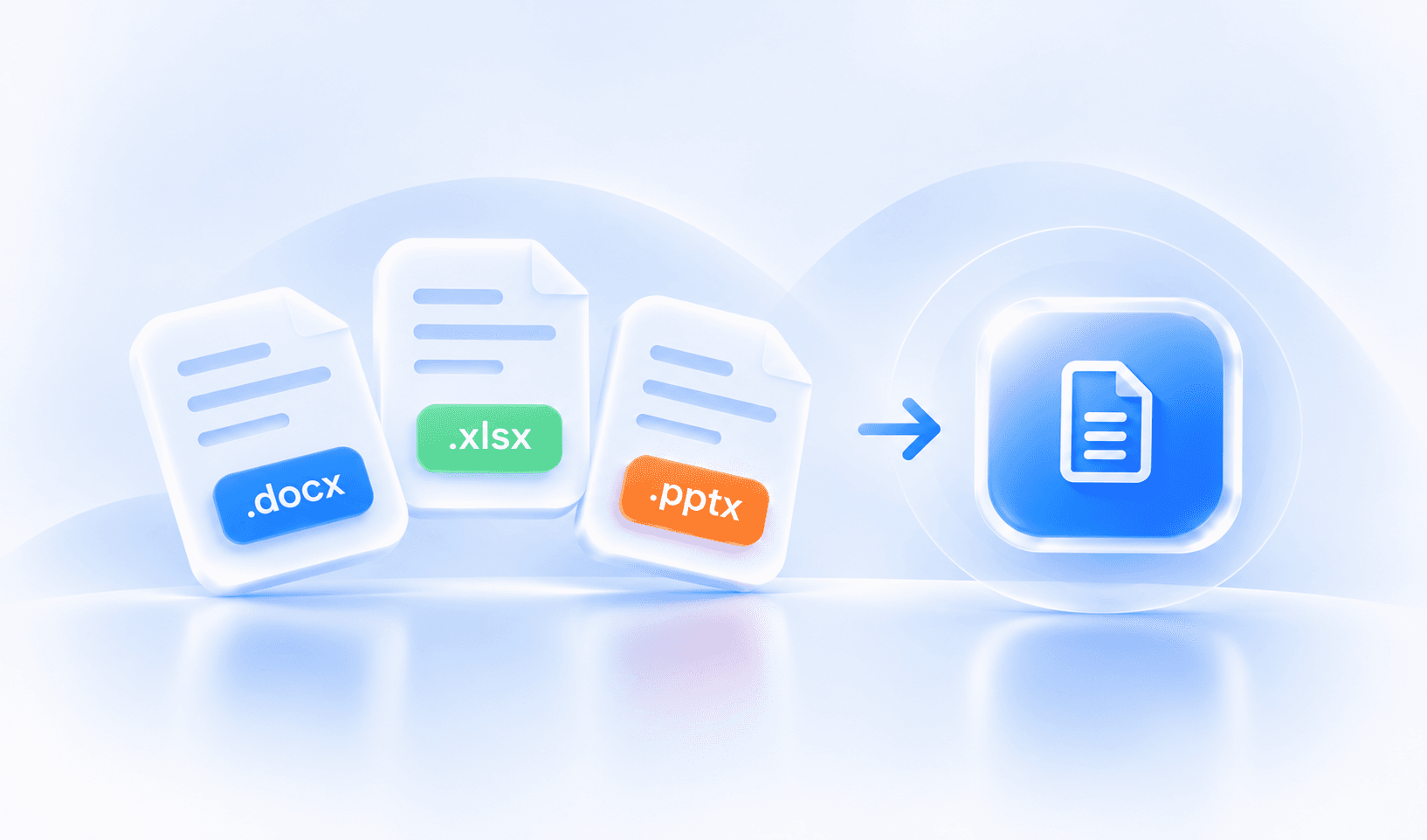
Surface Office dependencies before you migrate.
Find AI apps and local models to shape governance and Gemini planning.

Spot repetitive workflows suited to Gemini Enterprise automation.
Eligible organizations can get Google-funded expert support to deploy GRT and make sense of the results, at no cost.
Get free expert helpDeploy GRT through Active Directory or your endpoint management tool.
GRT checks your apps, browsers, security and usage data against Google readiness requirements.
Open the dashboards, find blockers and prioritize your next moves.
Google Endpoints Readiness Tool (GRT) goes beyond asset inventory by revealing actual application usage, browser activity, security risks, and Google migration-readiness insights.
No. GRT complements existing ITAM, SAM, and CMDB tools by adding the usage, security, and migration-readiness insights they don’t capture.
GRT identifies application compatibility issues, security risks, and Workspace dependencies, then shows what’s ready, what needs verification, and what’s blocking your migration.
GRT deploys through Active Directory or the endpoint management tools you already use, and collects device, application, browser, and usage data from your endpoints.
Yes. Google Endpoints Readiness Tool is free, and eligible organizations can also get Google-funded expert support to deploy it and review the results.